✦ Real IBM Quantum & OQTOPUS Hardware · Mac, iPhone & iPad
Write a circuit — or just describe one. Verify it locally, run it on real IBM Quantum or OQTOPUS hardware, then score the result against the ideal answer. When something breaks, an on-device AI reads the error and proposes a fix. Education, debugging and research in one workspace — on Mac, iPhone and iPad, with nothing uploaded.
This is the actual circuit rendered by EGK Quantum's diagram view — every fundamental single-qubit gate (H, X, Y, Z, S, S†, T, T†, √X, √X†, I) applied in sequence to one qubit, then measured. It's exactly what you'd see on screen the moment you write it.
Written as OPENQASM 2.0 in the editor, then automatically transpiled into whichever native gate set your chosen IBM or OQTOPUS backend actually runs — toggle "As Written" vs "As Submitted (ISA)" any time to see both.
V27 grows EGK Quantum from a circuit runner into a full workspace in three chapters. Every job runs on real IBM Quantum Open Plan devices or OQTOPUS-hosted QPUs — never a classical approximation of the result.
Learn by running real circuits, not reading about them.
Know your circuit is right before you spend QPU time.
Reproducible experiments with real numbers behind them.
Know the algorithm but not the syntax? Describe it in plain language and the on-device AI drafts OpenQASM for you — before any job is submitted.
AI-suggested optimizations are checked by a built-in statevector simulator to confirm the smaller circuit really computes the same thing. We verify the maths instead of trusting the model’s word.
A circuit fails? Tap “Fix with AI.” The model reads the provider’s actual error and proposes a corrected version — nothing changes until you approve it.
Submit to IBM Quantum Open Plan devices or OQTOPUS-hosted QPUs. OQTOPUS support follows the current job lifecycle, with automatic OpenQASM 2 → 3 conversion for supported circuits.
See shots, mitigation mode, gate count and estimated QPU execution time before you press submit, so there are no surprises.
Every run is saved and searchable after relaunch. Select 2–4 runs and compare them side by side in a grouped probability chart, normalised so different shot counts stay comparable.
Explanations, generated circuits and fixes come from a language model running locally. Your circuits and results never touch a third-party AI API.
Use your own IBM Quantum API key and OQTOPUS credentials, stored only in the device Keychain. The app even tracks your key’s estimated expiry.
Run once, then actually measure how close the QPU got. EGK Quantum compares every hardware result with a local ideal reference and keeps the complete record.
Original QASM, IBM transpiled/ISA QASM, raw measurement counts, ideal distribution and metrics saved together, then exported as JSON or CSV.
Captures per-qubit IBM calibration and gate/readout timing when available. Where a provider doesn’t publish a field, EGK Quantum shows nothing rather than inventing it.
Ranks connected physical qubit regions on IBM backends using available calibration data, so you can place your circuit on the best qubits.
Corrects readout error as local post-processing from provider calibration data, with no additional QPU shots consumed.
Run the same circuit on IBM and OQTOPUS and compare the results head to head against the same ideal reference.
Ideal statevector reference up to 20 qubits on Mac and 16 on iPhone & iPad. Past the ceiling, the app says so instead of guessing.
The AI never does the maths. Every metric, ranking, mitigated distribution and workload figure is calculated deterministically in Swift. The on-device model only narrates the facts it is given, and its summaries are checked so they can’t introduce numbers that weren’t in the data. Zero-noise extrapolation is on the roadmap as the next mitigation stage — it is not part of this release.
The same circuits, three ways to learn them: open-source lessons on GitHub, an interactive tool on the web, and the free nine-lesson Qiskit Track inside EGK Quantum V27.3 on iPhone and iPad.
An independent, open-source teaching toolkit.
Learn by watching the numbers settle.
Every lesson as OpenQASM and as native Qiskit Python.
Qiskit is a trademark of IBM. EGK Quantum and Qiskit Learning Lab are independent projects, not affiliated with or endorsed by IBM. Simulation results are educational and are not evidence about real quantum hardware.
A short walkthrough of a circuit going from the editor, onto real IBM Quantum hardware, and back as a plain-language explanation — all inside the app.
Describe, verify, run, measure — one workflow, no manual polling and no separate analysis tools.
Type OpenQASM or describe the circuit in plain language. The on-device AI drafts it, and the local verifier checks it before anything is submitted.
Review the workload estimate, pick IBM Quantum or OQTOPUS, and submit. The circuit is transpiled for that exact backend automatically.
The job runs on actual hardware. Status is tracked for you and the raw measurement counts are preserved exactly as returned.
Results are scored against the ideal distribution, explained in plain language by on-device AI, saved to history, and exportable as JSON or CSV.
EGK Quantum ships with two on-device models, curated after side-by-side testing on real quantum job results. They power explanations, circuit generation, optimization suggestions and fixes. Switch between them anytime in Settings > AI Models.
| Model | Best For | Size | Min RAM |
|---|---|---|---|
| Qwen 2.5 3B qwen2.5-3b-instruct-q4 |
Default Careful, complete result explanations | 1.9 GB | 8 GB |
| Phi-3.5 Mini phi-3.5-mini-instruct-q4 |
Deeper Reasoning Stronger step-by-step interpretation | 2.4 GB | 8 GB |
Why only two: every model in the shared EGK catalogue was tested side-by-side against real Bell-state and GHZ-state jobs. Qwen 2.5 3B and Phi-3.5 Mini consistently gave the most careful, complete explanations — that list gets revisited only after a real re-test, not by default.
Your quantum results are yours. EGK Quantum's reasoning layer never phones home to explain them.
Result explanations and AI-suggested fixes are generated entirely on your device. There's no API endpoint receiving your circuit or your data.
Jobs run on actual IBM Quantum and OQTOPUS QPUs — the measurement counts you see are genuine quantum measurement outcomes, not a classical simulation.
IBM and OQTOPUS credentials are stored only in the device Keychain, never in plaintext, never shared with EGK or any third party.
"Fix with AI" proposes a corrected circuit for review — it never overwrites your work automatically. Every fix is one deliberate tap to apply.
EGK Quantum is also available for iOS and iPadOS — write circuits, run them on real IBM Quantum or OQTOPUS hardware, and get on-device AI explanations and fixes, wherever you are.
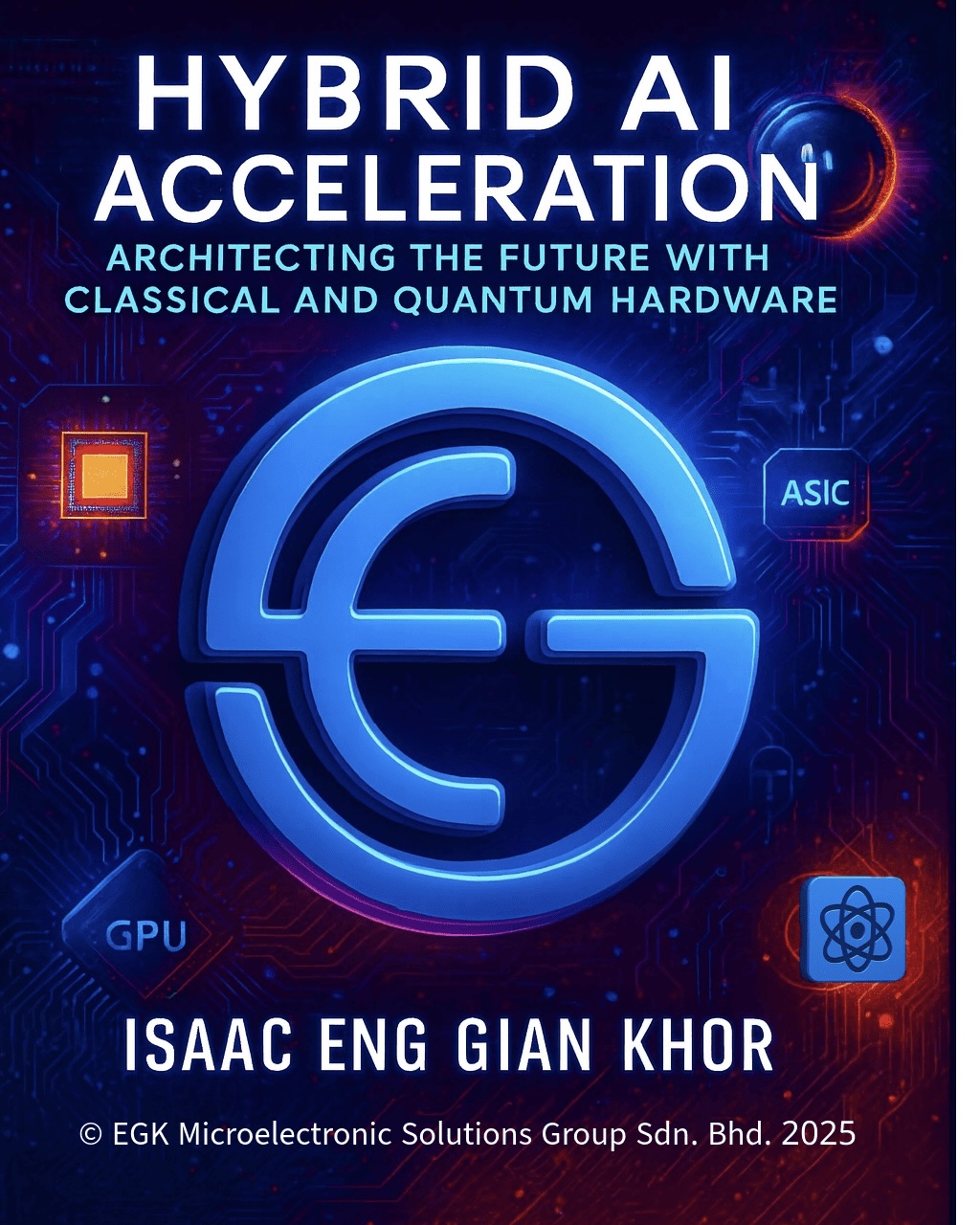
Go deeper with Isaac Khor’s technical and civilizational titles on hybrid AI systems, AGI, and the quantum divide — available as eBooks and on the EGK Book app with audiobook and extra features.
The engineering bridge between classical AI and quantum hardware. Why GPU/ASIC scaling is hitting physical walls, where quantum can act as a targeted subroutine accelerator, and how an orchestration layer decides when to offload — without hype.
Two carefully constructed futures from the same 2026 present: the world where AGI never arrives and quantum matures under government control, versus the world where AGI arrives first and compresses the quantum timeline. Timing, geopolitics, and civilizational risk — grounded in engineering reality.
Same full analysis as the eBook — the AGI–quantum civilizational fork, Hybrid AI Acceleration as the bridge, and the dark-side convergences — delivered as an interactive HTML edition optimised for browser reading and online preview.
Free to start. Bring your own IBM Quantum or OQTOPUS account and you're running real jobs in minutes — on Mac, iPhone, or iPad.
EGK Quantum offers a limited number of free circuit runs. Continued use beyond the free allowance requires EGK Quantum Pro, an auto-renewing monthly subscription. The exact subscription title, duration, and price for your region are always shown on the in-app purchase screen before you buy.
Payment is charged to your Apple ID account at confirmation of purchase. Subscriptions renew automatically unless auto-renew is turned off at least 24 hours before the end of the current period. Manage or cancel anytime in your Apple ID Account Settings. Restore Purchases is available on the in-app subscription screen.
By subscribing you agree to Apple's Standard End User License Agreement: apple.com/legal/internet-services/itunes/dev/stdeula
Read EGK Microelectronic Solutions Group Sdn. Bhd.'s full Privacy Policy: egkhor.com.my/privacy
Real humans, based in Penang, Malaysia — we read every message.
8 Lintang Beringin 8, Diamond Valley Industrial Park, 11960 Batu Maung.
604-505 9700